Digital Paper Patterns for Creative Projects
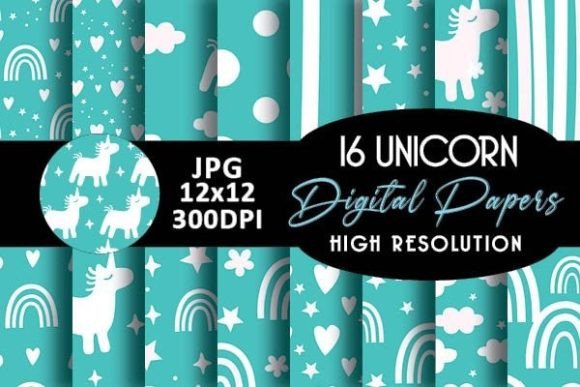
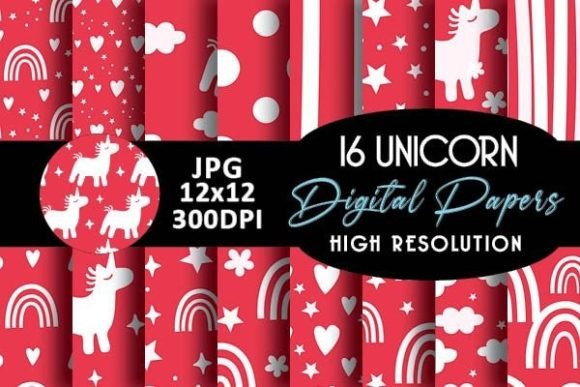
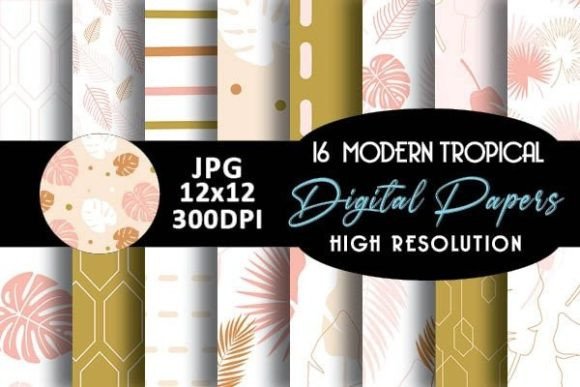
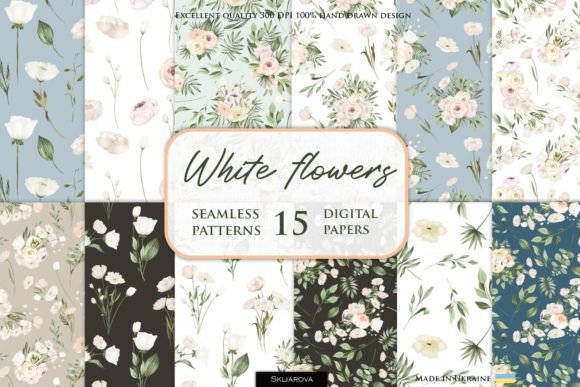
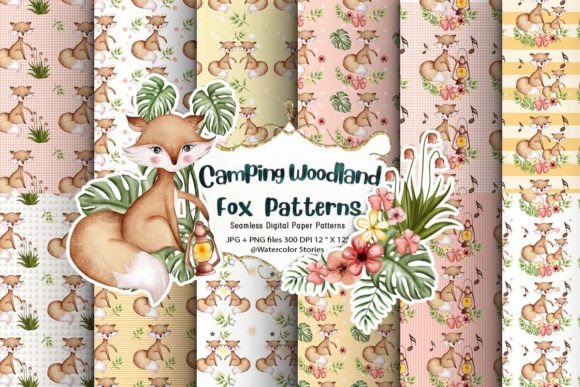
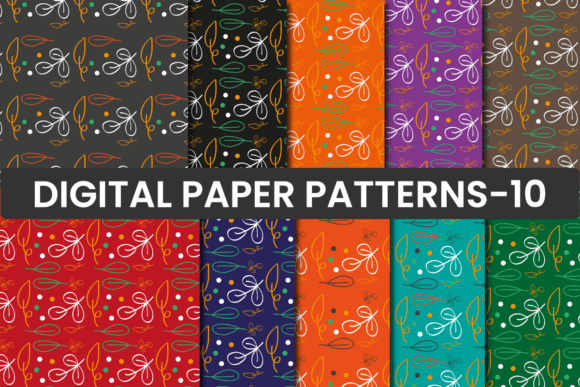
High-quality, versatile, and ready-to-use—Digital Paper Patterns deliver professional-grade design assets without the overhead of custom creation. This pack contains 12 seamless patterns in JPG format, each sized at 12×12 inches and rendered at 300 DPI for crisp, print-ready results. Whether you're designing a birth announcement or building a brand identity, these patterns offer consistency, flexibility, and visual cohesion across formats.
Why Seamless Digital Paper Patterns Matter
Seamless means no visible edges or repeats—just smooth, infinite tiling that scales gracefully across surfaces. That’s essential when designing book covers, planner stickers, or wrapping paper: a misaligned tile breaks immersion and undermines polish. At 300 DPI, these patterns retain fidelity whether printed on matte cardstock or layered into a digital scrapbooking layout. Unlike low-res downloads or stretched vector exports, they’re built for real-world use—not just screen previews.
Scrapbooking & Digital Layouts: More Than Just Backgrounds
In digital scrapbooking, patterns do more than fill space—they set tone, guide the eye, and reinforce storytelling. A subtle linen texture adds warmth to a family photo collage; a delicate floral repeat evokes nostalgia in a baby journal layout. Use one pattern as a full-page background, another as a frame border, and a third as a subtle overlay on a title strip—all from the same cohesive set. Because they’re seamless, you can crop, rotate, or layer them without disrupting continuity.
For hybrid crafters who mix digital and physical elements: print a pattern onto sticker paper, cut out custom shapes, and adhere them to handmade cards or gift tags. Or import directly into Canva, Adobe Photoshop, or Affinity Designer—no transparency issues, no pixelation, no guesswork.
Branding & Business Applications
Small business owners and freelancers often need consistent visuals across touchpoints—without hiring a designer for every asset. These Digital Paper Patterns support that need elegantly. A boutique stationery shop might use one geometric pattern for invoice backgrounds, another for social media story highlights, and a third as a watermark on downloadable product guides. The result? Instant visual recognition, even without a full logo system.
Bloggers and educators can embed patterns into printable resources—lesson planners, reading trackers, habit journals—giving free downloads a polished, branded feel. When your audience saves or prints those files, the 300 DPI resolution ensures clarity, reinforcing credibility and attention to detail.
Real-World Uses Across Formats
- Invitations & Announcements: Layer a soft watercolor pattern beneath elegant typography for wedding invites—or pair a bold graphic repeat with clean sans-serif fonts for modern baby announcements.
- Planner Stickers & Place Cards: Print patterns onto kiss-cut sticker sheets, then die-cut circles, banners, or frames to organize weekly spreads or label dinner seating.
- Book & Journal Hardcovers: Wrap printed patterns around chipboard covers using bookbinding glue and a bone folder—ideal for self-published authors or handmade journal sellers.
- Jewelry & Packaging: Apply patterns to laser-cut wood or acrylic charms, or wrap small gift boxes for artisanal product lines. The 12×12 size fits standard cutting mats and most home printers.
- Websites & Blog Designs: Use as subtle CSS background images (
background-repeat: repeat;) for section dividers, sidebar accents, or newsletter signup forms—adding texture without slowing load time (JPGs compress well).
Designing With Intention—Not Just Decoration
Patterns influence perception. Busy repeats suggest energy and abundance; minimal textures imply calm and sophistication. Before choosing one, ask: What feeling should this piece convey? Who is seeing it—and where? A pattern that works beautifully on an Instagram post may overwhelm a printed place card at a formal dinner. Test scale: zoom out to see how it reads at thumbnail size; zoom in to check fine details at actual print size.
To keep designs organized and efficient, name files clearly (e.g., “DP-Linen-Soft-01.jpg”) and store them in a dedicated folder labeled by use case—“Printables,” “Web Assets,” “Sticker Sheets.” That way, when you’re on deadline, you spend seconds—not minutes—finding the right repeat.
Adapting for Different Audiences & Platforms
A teacher creating classroom handouts benefits from patterns with high contrast and clear rhythm—easier to read when photocopied. A wedding planner designing digital mood boards leans into softer tones and organic flow. A jewelry maker printing packaging inserts prioritizes durability: avoid overly delicate details that blur when printed on kraft paper.
For accessibility, pair busier patterns with ample negative space and strong typographic hierarchy. Never place light gray text over a light-toned repeat—even if it looks fine on your monitor, it may vanish on older screens or for readers with low vision.
Making It Your Own—Without Starting From Scratch
These Digital Paper Patterns aren’t meant to be used as-is forever. They’re foundations. Flip one horizontally in your editor to create variation. Adjust saturation or brightness to match your brand palette. Overlay a subtle gradient or duotone effect to unify multiple patterns in one project. Combine two at different opacities—one at 100% for structure, one at 20% for depth.
If you're building a collection over time, choose patterns with complementary color families and similar visual weight. That way, new additions integrate smoothly instead of clashing or demanding redesigns.
Practical Tips Before You Print or Publish
- Always export final files in RGB for web use, CMYK for professional print jobs—most home printers handle RGB fine, but confirm with your print provider.
- When using patterns in layered PSD or PNG files, flatten before exporting for print unless transparency is required.
- For large-format printing (e.g., wrapping paper rolls), verify bleed and trim requirements with your vendor—these 12×12 files tile seamlessly, but edge alignment still matters.
- Save a master copy of each pattern untouched. Edit working copies only—this preserves quality and avoids accidental degradation from repeated resaving.
Digital Paper Patterns meet creators where they are: balancing speed with craftsmanship, consistency with personality, practicality with inspiration. They don’t replace skill—they accelerate execution so you can focus on what matters most: your message, your audience, and the work only you can make.